· Engineering · 4 min read
The Stateful Data Model: How Clay, Floqer, Databar, and Bitscale Work
Clay, Floqer, Databar, and Bitscale build enrichment on a table that is both the program and the data. It makes work visible, and it shapes everything else: row limits, APIs that follow the table step by step, and agents that struggle to work with it.
›In this post · 5 sections
There are two data models for GTM enrichment right now. This post is about the first one, the table. Clay made it famous, and Floqer, Databar, and Bitscale build on it too. The other one, a catalog of stateless endpoints handed to an AI agent, is in the stateless data model.
The table is the program
In a table-based tool, you start by creating a canvas. Clay calls it a table, Bitscale a grid, Floqer a workflow sheet. Then you add columns and rows.
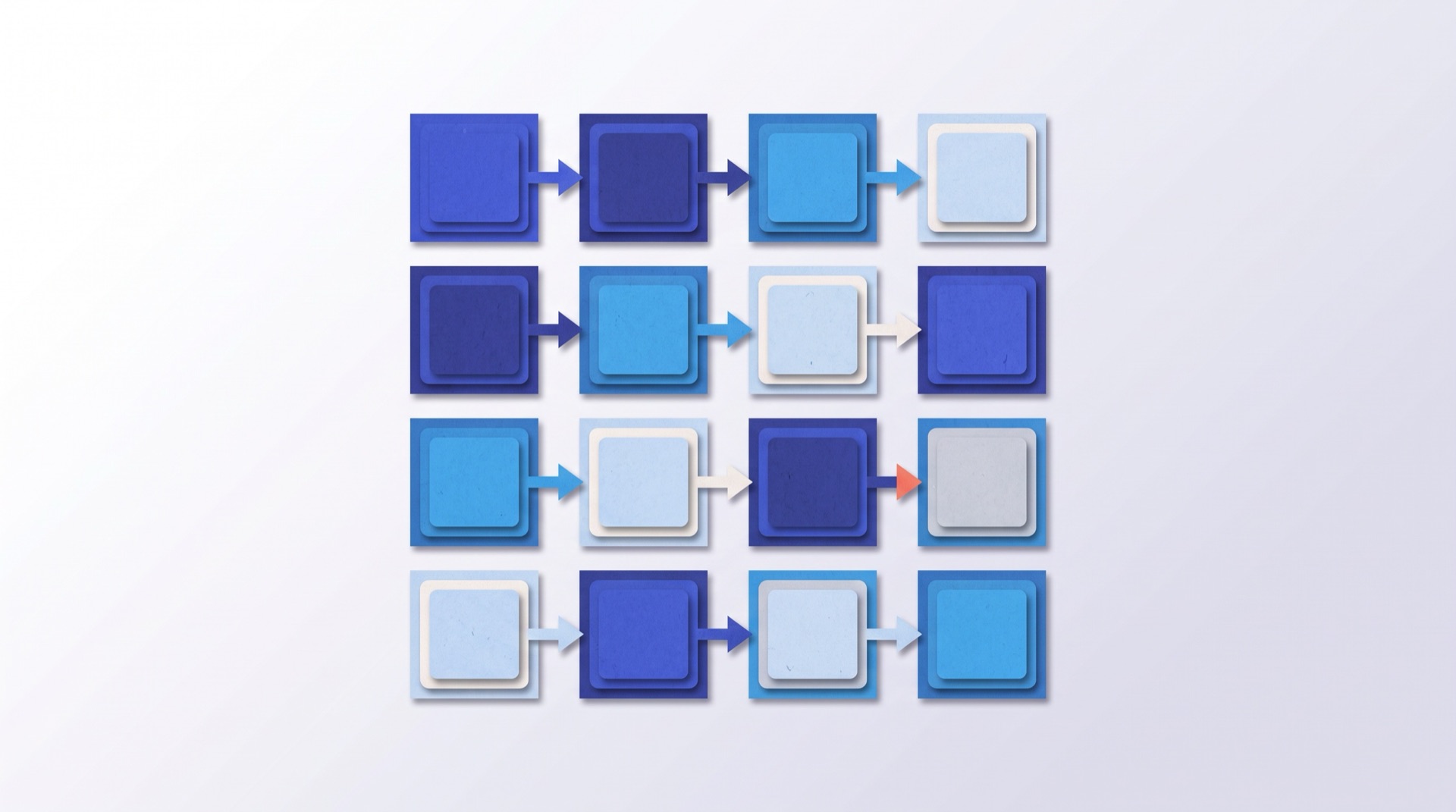
A column is a step: find the company domain, then find the work email, then verify it. A row is a record moving through those steps. Columns depend on other columns, so the table is really a directed graph of enrichment steps with the data sitting inside it. The table is the program and the data at the same time.
That's why people like it. You can see every step, every input, and every result. When one cell is wrong, you can click on it and find out why.
Tables have ceilings
The same structure that makes the work visible makes it hard to scale.
| Tool | Rows per table |
|---|---|
| Clay | 50,000 on all plans |
| Bitscale | 50,000 (Free), 100,000 (Growth), unlimited (Enterprise) |
| Floqer | 500,000 (self-serve), 5,000,000 (Enterprise) |
| Databar | no documented limit |
Clay's docs put it plainly: "Clay tables have a 50,000-row limit across all plans." Clay doesn't say why. Our read is memory. When any cell can depend on any column, and every change can ripple through the graph, the simplest way to build that is to hold the whole table at once. Clay's own workarounds point the same way: Enterprise customers get passthrough tables that delete rows once they're done, and Clay pitches its newer Workflows as a way to "avoid the 50,000 row limit".
Higher limits elsewhere don't change the model, they move the line. Every tool in this list still organizes the work as one canvas that has to be built, filled, and run.
The API has to follow the table
The table model also explains why the APIs these tools ship look the way they do. Working with a table is a procedure: create the canvas, add a column, add rows, run, wait. An API built on top of that has to follow the same procedure.
Floqer's API documents the order: "Create Workflow → Add Inputs → Add Action → Get Options → Configure Action → Add Rows → Run." Then you poll each cell. Databar exposes the same table operations and, to its credit, also offers one-off enrichments without a table, which still come back as a task you poll. Bitscale's API is Enterprise-only and runs an existing grid one record at a time, adding a row to it on every call.
Clay shipped its public API in July 2026. People expected a stateless enrichment API: send records, get enriched records back. That's not what it is. You build a function in the Clay UI first, then send it 1 to 100 items, get a 202 back, and poll until the run completes. Tables are read-only, and Clay's FAQ says there are "no current plans to support table building from the API or CLI." It's a remote control for things you set up by hand.
Agents and tables don't mix well
This is where the model really struggles. An AI agent working on a table has to reason about state it doesn't control. Columns get added while it's reading. Rows are still running when it looks at them. A cell's value depends on three other columns, and one of them is stale. Every step needs a check: did the column get created, did the run start, is this cell done yet.
The agent spends its time guessing about the table instead of working on the list. Often it gives up and builds the workflow itself in code, which throws away the visibility that made the table worth having.
A table that doesn't need to be the program
We built pipe0 on a different contract. Searches find companies and people, pipes enrich them, and each one is a block with fixed inputs and outputs. Those blocks work without a table: send up to 100 records through the API or from an agent over MCP, and they come back enriched in the response. No canvas to create first.
When you want the table, it's there. The same blocks become columns in a pipe0 sheet, the same records become rows, and the sheet runs on schedules, signals, and webhooks. Sheets live in a database rather than in memory and hold up to 2M rows. Our smaller plans cap sheets lower, starting at 40,000 rows, but that's a pricing line, not a ceiling in the model.
Stateless when that's enough, a visible table when the work needs one, and an agent can move a list from one to the other in a sentence. We compared the two directly in pipe0 vs Clay.
Frequently asked questions
Why does Clay have a 50,000-row limit?
Clay documents the limit for tables on all plans but doesn't publish the reason. Our read is that a table where any cell can depend on any column is easiest to run when the whole table is loaded at once. Clay's own workarounds, Enterprise passthrough tables that delete finished rows and Workflows that avoid the limit, point the same way.
Does Clay have a stateless enrichment API?
No. Clay's public API runs functions and workflows that you first build in the Clay UI: you send 1 to 100 items, get a 202 back, and poll for results. Tables are read-only through the API, and Clay says there are no current plans to support building tables from the API or CLI.
Do Floqer, Databar, and Bitscale have APIs?
Yes. Floqer and Databar expose their full table model through an API: create a table or workflow, add columns and rows, run, and poll. Databar also offers one-off enrichments without a table. Bitscale's API is Enterprise-only and runs an existing grid one record at a time.

 Try pipe0